OK I keep seeing and hearing people ask how to do this so I thought I would type it up so I can just paste a link in the future.
Flickr is great to use. However it works differently with different browsers.
Google Chrome
It is easier if you use it with google chrome. When writing a post in blogger click on the photo button and then select 'from a URL' from the list. Switch to a new tab and open flickr and click on your photostream. Find the photo you want.
Now there are 2 ways to grab it. Copying from the address bar when the picture is open is NOT the actual photo URL.
1. When there are multiple pictures showing, right click on the pic and select 'copy image URL'. ***Now switch back to the blogger window and in the photo window right click and paste the URL in the correct box. When you see the photo in the window click add selected. Once added this way you can click on the picture and a tool bar appears. You can change the size but at the resolution you copied the URL you should not go over medium. You can add a caption too.
2. To get a higher resolution picture you need to click on the picture to open it. The right click and choose a size to open. I usually open a large size. Though instagram pictures will only show up as mediums and orginal size. Right click on the picture when it opens and again 'copy image URL'. Continue as in previous instructions***. You can make the picture as large as the resolution you selected.
Internet Explorer
I used Explorer until my XP machine was unable to upgrade and I had a host of problems. So someone recommended Google Chrome. It took a while but I got used to it and I especially love the easier way to use flickr photos. Its not harder in Explorer, it just uses an extra step.
*Basically everything is the same as the Google Chrome directions, except for where you find the URL of the picture. In both cases when you right click you will not see the option 'copy image URL'. Instead you will click on 'properties'. In the window that opens will be a line that says URL. Now this is important do not click and drag to copy the address. Part of the address will not be visible, so instead double click to highlight the address. The right click and select copy. Close the window. Then continue as directed above .
******************
BTW when formatting the alignment of pictures I usually highlight all text and pictures (ctrl+A) and chose from the tool bar at the top.
******************
I know this seems complicated but it actually goes super fast once you have done it a couple of times! If you have instagram or the flickr ap on your iphone it is a quick way to upload photos to flickr. Instagram even has the option to post to your blog, but I will share that another time.
Keep Dreaming...Colleen
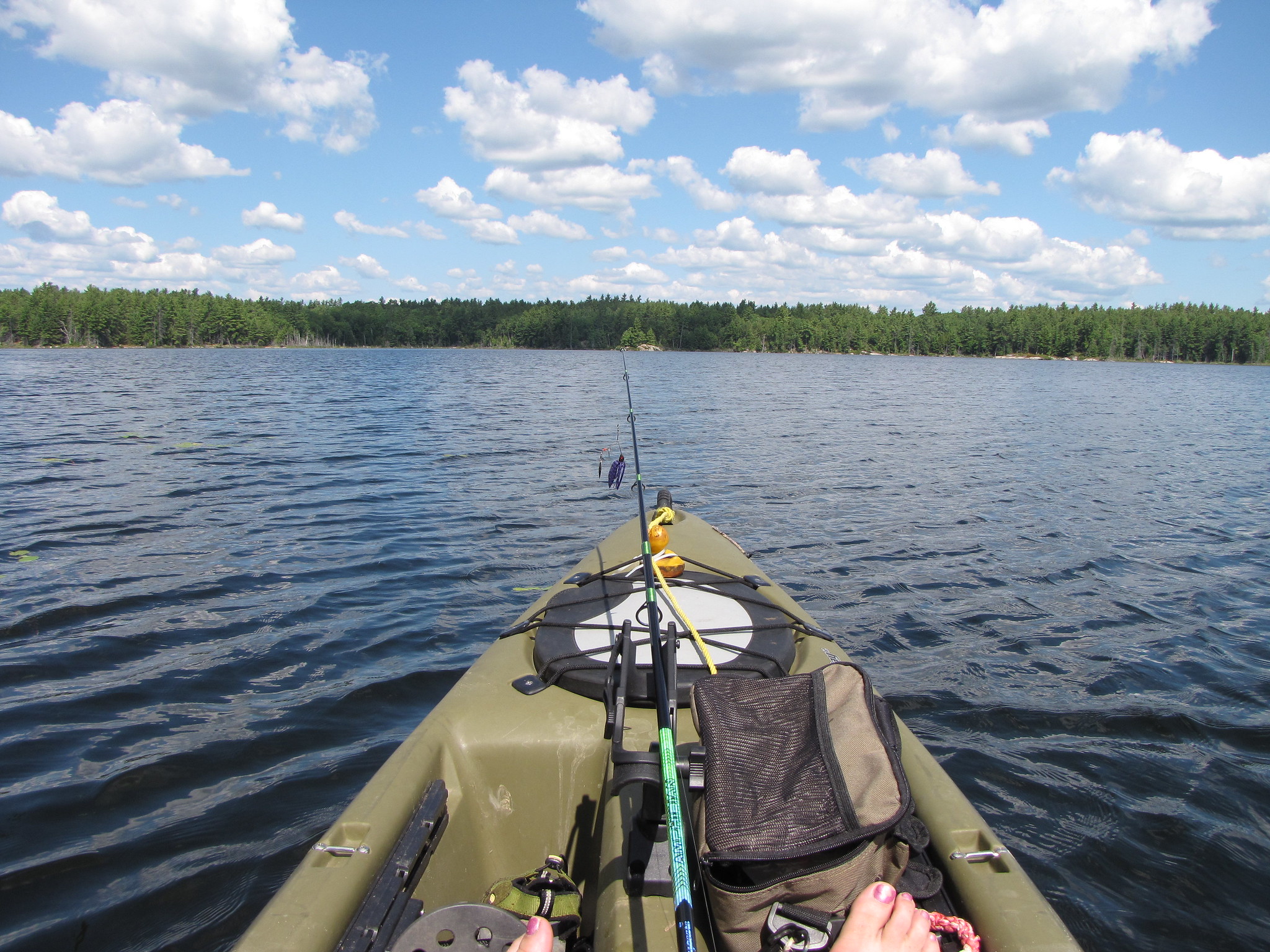 |
My favorite kind of kayak pic-my feet, Lucky Duck's bow and the beautiful lake and sky!
This is me paddling in small Quebec Lake I portaged into in Canada.
I chose the largest photo url and the X-large photo size on picture opts. |